Install Galactic Connect via TestFlight
Step-by-step setup for iPhone.
01
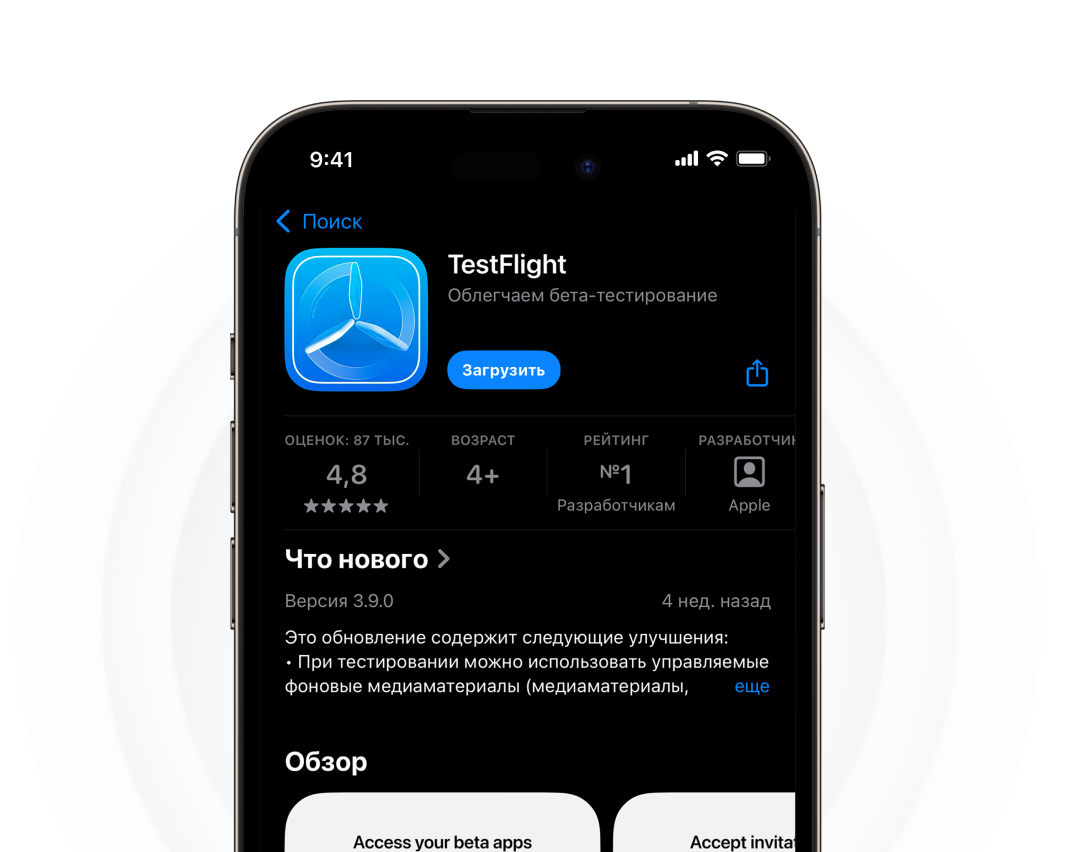
Step 1
Open the TestFlight page and install the app.
02
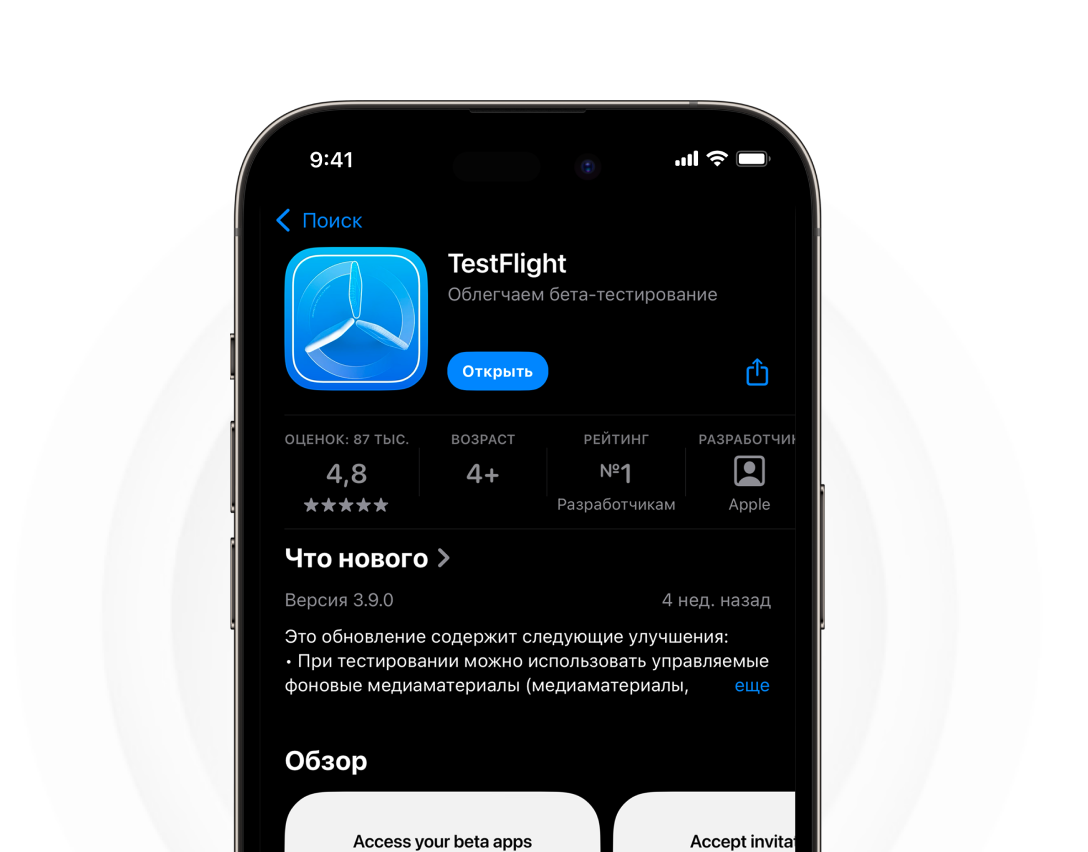
Step 2
After the download finishes, tap 'Open'.
03
Step 3
When the app opens, choose 'Don't Allow' for notifications, then tap 'Continue'.

04
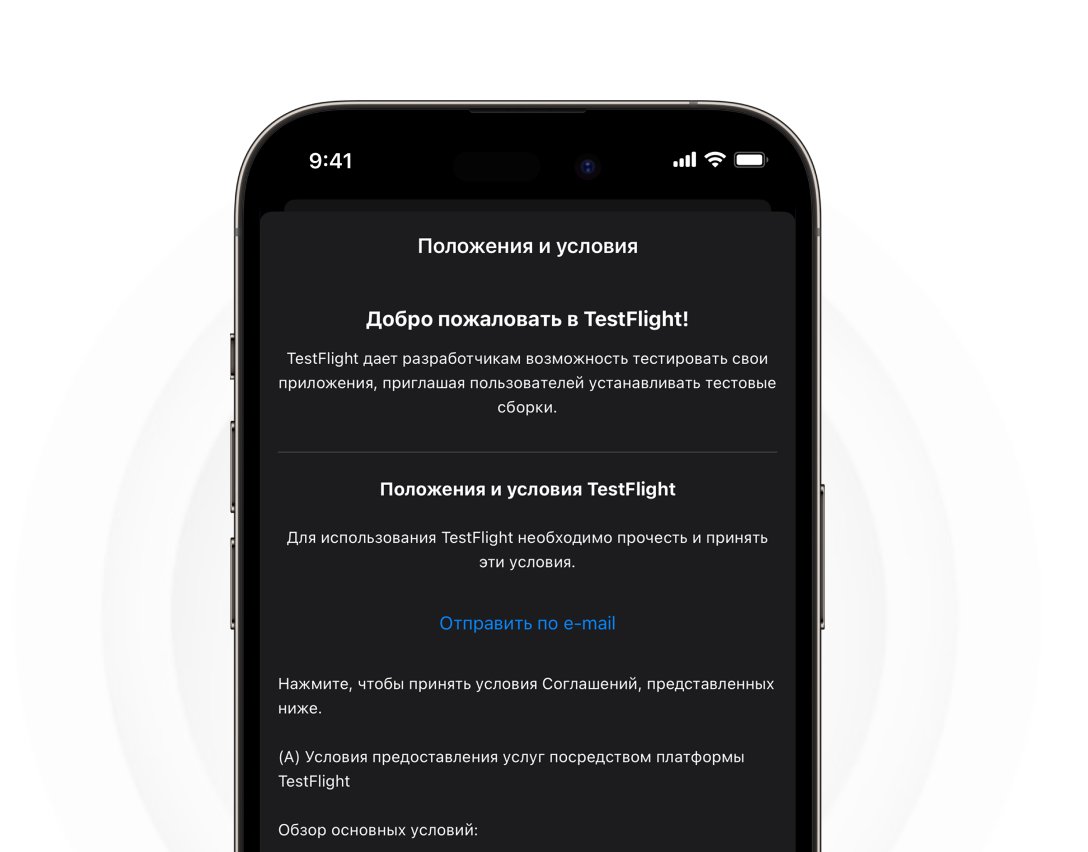
Step 4
Read the information, scroll to the bottom, and tap 'Accept'.
05
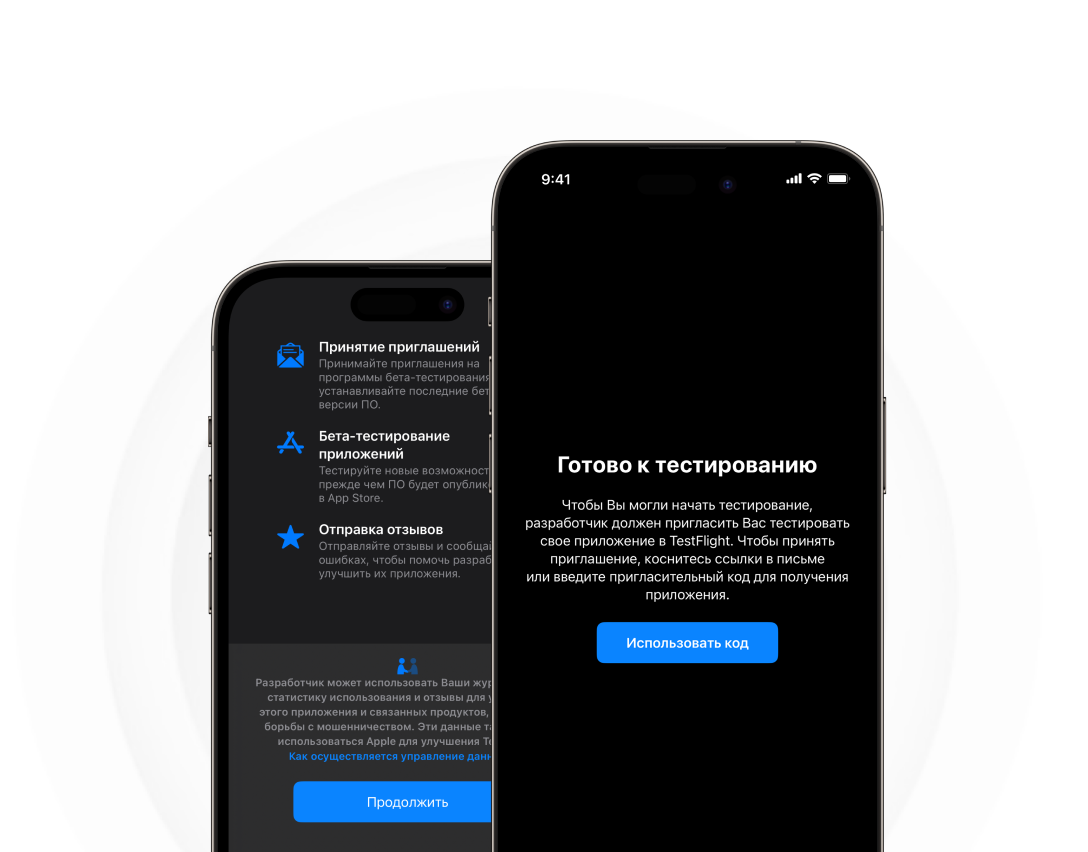
Step 5
Tap 'Continue', then choose 'Redeem Code'.
06
Step 6
Without waiting for a code, close TestFlight and open our Invite Link to install the app.
Invite Link
Galactic Connect
Galactic Team
Install
Without waiting for a code, close TestFlight and open our Invite Link to install the app.
Invite Link
07
Step 7
Enable automatic updates to ensure the app keeps working. Done!
Galactic Connect
Ready to Launch
Open